Physics Engine
A downloadable game for Windows
There are two separate binaries, one for the rope simulation, and one for the fluid simulation. They do not interact with each other, so I've decided to distribute them separately. The rope sim is based off of an algorithm called Position Based Dynamics:
https://matthias-research.github.io/pages/publications/posBasedDyn.pdf
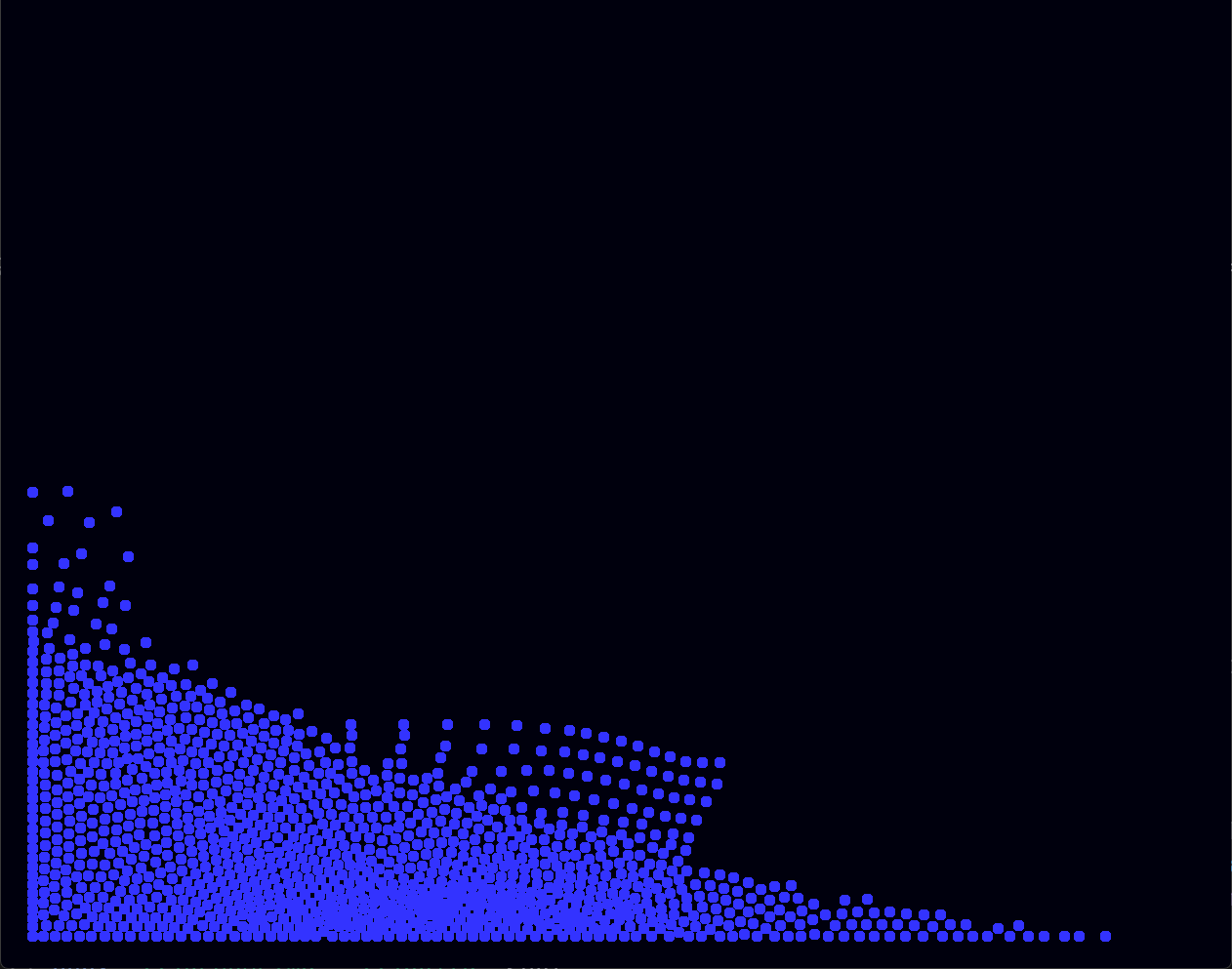
The fluid simulation utilized smoothed particle hydrodynamics:
https://matthias-research.github.io/pages/publications/sca03.pdf
The YouTube compression may cause the video to be grainy on itch. It may be easier to view as a separate tab on YouTube.
Here are instructions for each:
Rope Sim Instructions
Controls
- Esc to exit the application.
- E to go into Edit Mode or resume Play Mode.
- In Play Mode: LMB to pull the rope.
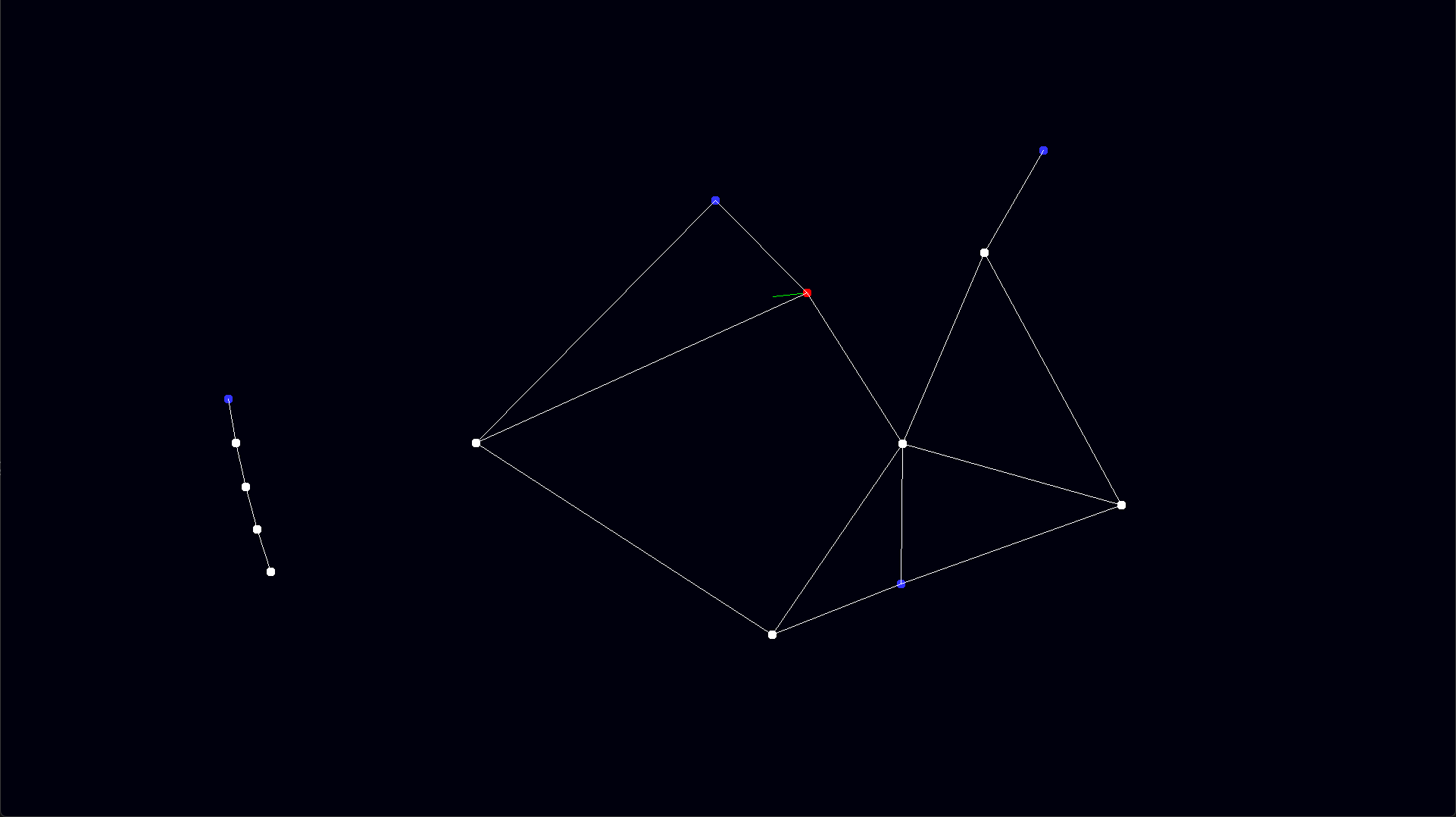
- In Edit Mode: LMB from one vertex to another to create a constraint. RMB to place free vertices. Shift+RMB to place anchors.
Play Mode
- By default, the application starts in Play Mode. This is when the rope is actually being simulated.
- On startup, you should see a swinging rope. Hold LMB to pull a vertex of the rope towards your cursor.
You should see a green line from the mouse cursor to the vertex being pulled. - Notice that the top-most vertex of the rope cannot be pulled. This is called an "anchor" and prevents the entire rope from falling down.
- A vertex that is not an anchor is called a "free" vertex.
Edit Mode
- In Edit Mode, the rope is no longer being simulated. There are 2 things you can do in edit mode: place vertices (anchors or free) and create constraints.
- In Edit mode, you can see all the vertices in the play space. Free vertices are white, and anchors are blue.
Adding new vertices
- There are two types of vertices: anchored and free. RMB to place free vertices, and Shift+RMB to place anchors.
Adding new constraints
- To start placing a new constraint, enter edit mode and select a point.
- When a new constraint has been made, you will see a new white line connecting the two points you have selected.
- When you have added the vertices and placed the constraints you want, press E to resume the simulation.
- You cannot place a constraint between two anchors.
Fluid Sim Instructions
- LMB to pull fluid towards cursor.
- RMB to push fluid away from cursor.
Download
Install instructions
Windows only.
1. Download the binary of the simulation you're interested in.
2. Extract to your preferred folder.
3. Run win32_platform.exe.
Leave a comment
Log in with itch.io to leave a comment.